|
|
Playing ability: Beginner (750 Elo) up to World Chess Championship strength (3200+ Elo)† GUI Languages: English, French, German, Italian, Polish, Portuguese, Russian and Spanish |
| Flexible icon sizing for very high resolution displays | |
| Improved look and feel on Windows and Mac OS | |
| Support for 4K PC & Mac displays | |
| Improved position setup usage | |
| Analysis continues while annotating | |
| Improved handling of non standard formats in PGN files | |
| Numerous minor improvements |
| Hiding chess board in play mode is no longer permitted. | |
| Fix to diagram size when printing (issue affected v1.9) | |
| Fix to automatically save game in
progress when quiting (issue affected v1.9) |
| Updated local opening book with latest theory up to March 2016 | |
| Read-only DB handling | |
| Delete all games from filter feature | |
| Annotate all moves in game analysis | |
| Improvements to live PGN handling | |
| Handles more exceptions to PGN standard during import/opening PGNs | |
| Enhanced support for AppNap during engine matches (Mac OS only) | |
| More info stored in engine matches | |
| PDF export now available | |
| Highlight last move played | |
| Coordinates and move indicator included in copy board image and print diagrams | |
| Minimum board and window size issue resolved | |
| Updated translations in English, French, German, Italian, Polish, Portuguese, Russian and Spanish | |
| Updated manual and context sensitive help | |
| Various other enhancements and bug fixes |
| Updated local opening book with latest theory up to December 2014 | |
| Updated online GM and GM+ (for Deep HCE) books with latest theory | |
| Updates to ECO reference | |
| Print game(s) to PDF (Press Alt key when clicking Print menu) | |
| Confirm loss of locked analysis | |
| Allow synchronised game filter with position and show games functions going forward and backwards through a game | |
| Allow Pasting PGN FEN with no move | |
| Engine match adjudication now optional | |
| Allowing pasting partial games onto position | |
| Player clock times restored after replaying move | |
| Detect last move blunders in game analysis | |
| Default to last book used in game play | |
| Display date online book last updated with count of positions, variations and games | |
| Smarter resignation | |
| Allow hiding moves in training mode | |
| Automatically switch to training mode when loading puzzles/test sets | |
| New tactical test set included sorted by difficulty | |
| Mac OS Yosemite look and feel improvements | |
| Fix to Mac OS Yosemite sleep crash issue | |
| Correction to tablebase dialog to display under promotions outcomes | |
| Improvement to live game presentation | |
| Move and square arrows and highlights marked in game notation with a star | |
| Handling of upgrades to Deep functionality | |
| Many other improvements and bug fixes |
| Updates to ECO reference | |
| Local book updated to include top games to end of December 2013 | |
| Play engine matches from a position, useful for analysing positions and producing continuations. Opening Explorer tree can be used with engine match results to examine game statistics for position | |
| Improvements to sorting Opening Explorer columns | |
| Improvements to live PGN presentation | |
| Improved move animation | |
| Improved presentation of player information | |
| Improved engine protocol management | |
| Improved hints and guess move advice | |
| Current Opening Explorer book source preference stored | |
| Database and Remote PGN properties introduced | |
| Graphic board drawing capabilities, highlighted coloured arrows and squares for presentation | |
| Board graphic commentary saved with games and available in replay and navigation | |
| Game notation full undo/redo also incorporates board graphics | |
| Improved game merging including comments | |
| Null move keyboard short cut introduced | |
| Improved handling when reading illegal PGNs | |
| Export PGN (games in filter) honours game list sort order | |
| Column sort order maintained when changing sort columns | |
| Minimised scrolling of game notation during changes | |
| New manual and context sensitive help for v1.7 | |
| Saving starting comments enabled | |
| Add preceding comments | |
| Add new database and game(s) before needing to save | |
| Mac Spanish/Portuguese language set up position dialog corrected | |
| Mac OS Mavericks Open dialog default location resolved | |
| Many other minor improvements and bug fixes |
| Update from any previous HIARCS Chess Explorer version direct to v1.6, no need to renter license | |||||||||||
| Configurable move animation speed | |||||||||||
| Increased hash table sizes allowed | |||||||||||
| Analysis and statistics are now available in play mode | |||||||||||
| Engine settings access in play mode (read-only) | |||||||||||
| More engine configuration information available | |||||||||||
Special tournament play mode for using a chess engine in
tournaments:
| |||||||||||
| Playability for book novelties available | |||||||||||
| Add variations from locked engine analysis | |||||||||||
| Handles engine time forfeits better in engine matches | |||||||||||
| Export games in filter (fixed) | |||||||||||
| Improved live game access and updates | |||||||||||
| Many minor improvements and bug fixes |
| Update from any previous HIARCS Chess Explorer version direct to v1.5, no need to renter license | |||||||||||||||||
| New Quick search history and enhanced quick search function | |||||||||||||||||
| Animation of piece movement in database mode | |||||||||||||||||
| Opening Explorer now with win/draw/loss statistics graphic | |||||||||||||||||
| Improvements to Merge game feature | |||||||||||||||||
Engine v Engine match play:
| |||||||||||||||||
| Improved memory management for hash tables and nalimov caches | |||||||||||||||||
| Enhanced tablebase dialog | |||||||||||||||||
| Copy image of board graphic | |||||||||||||||||
| Access help videos | |||||||||||||||||
Live game enhancements
|
Significant improvements to our Live game support:
| |||||||||||||
| Pop up preview analysis board uses current main board orientation | |||||||||||||
| Enable online books after launching from small PGN databases | |||||||||||||
| Classify ECO of played games | |||||||||||||
| Much more book variety on set elo levels | |||||||||||||
| Subtle weaker play on the low set elo levels | |||||||||||||
| Game analysis show only errors checkbox corrected | |||||||||||||
| Fix clock issue caused by system clock change | |||||||||||||
| More flexible FEN handling accepting some FENs with illegal rights | |||||||||||||
| Engine name editing | |||||||||||||
| Speed improvements in Player Explorer | |||||||||||||
| No need to renter license information, update from any
previous version direct to v1.4. |
Watch and analyse Live PGN games
| Download remote PGN databases | |
| Update live games with your analysis and variations | |
| Merging of live games periodically as they progress | |
| Manual refresh or automatic refresh | |
| URL history of remote PGNs |
Engines & Analysis
| Lock engine analysis to a position | |
| Navigate and modify game while engine is analysing | |
| Preview any position in engine analysis output using cursor and pop up board | |
| Tab title icon highlights when engine is being used in another tab | |
| More configuration options for game analysis including instant blunder check | |
| Nalimov tablebase path editable for remote access |
Playing games
| Improved play game dialog | |
| Explicit play from current position in play mode | |
| Stop pondering when pause is pressed | |
| Fix to autosave for played games | |
| Played games are now always saved unless user disables it | |
| Clock time restored on takeback | |
| Draw only possible if you win on time without mating material | |
| More reactive player rating to recent games played | |
| New save indicator at end of played game |
Opening Explorer
| Out of book displayed when opening book source has no more moves | |
| Faster response handling for online books |
Game notation
| Variations can be reordered | |
| First move of main variations in bold |
Database handling
| Duplicate games are not copy/pasted if already in database | |
| Even more tolerant handling of illegal PGNs | |
| Native piece letters for a great many languages | |
| Drag and drop PGN databases into HCE to open | |
| Enhanced quick search capability | |
| Improved game list highlights | |
| Autosave of modified databases | |
| Last session of databases can be reopened | |
| Database identified when deciding on game save or discard | |
| Handling of additional Windows Russian character encoding | |
| Database limit increased to 1.75 million games |
General
| Server connection state shown in About dialog | |
| Other fixes and minor enhancements |
Opening Explorer
| New "Last Search" source replaces "Filter" source and enables powerful analysis of a subset of games in a database, for example analysing your own opening repertoire, preparing for opponent or analysing a tournament, etc etc. | |
| Lockable Show games button provides the ability to
instant show all games for the current position - a powerful tool for
analysis and filtering. This is an example how the new feature could be used: 1) Search for a player (you or an opponent etc) 2) Select Last search in the Opening Explorer Source: Chess tree of games is instantly available from the last search results even for very large databases Opening Explorer shows the player repertoire, moves, stats etc 3) Clicking the Show games button allows you to instantly view games from last search for current position - this will be the games where our chosen player in 1) above played this position. 4) Clicking on the Show game button padlock symbol will lock (or unlock) the Show games function. This enables you to keep the Game Explorer list of games and the Opening Explorer list of statistics in sync as your move forward or backwards through variations. Other search criteria can be used to build a repertoire tree based on different search criteria. The new Show games padlock feature also works in the full Database source mode. |
Player Explorer
| Player Explorer now supports expansion of player opening reports | |
| Full player and database opening reports are now possible | |
| Include full hyper-linking of openings, and player performances to actual games by a single click | |
| Player Explorer now much faster on huge databases and uses exact matches |
PGN databases
| Much faster header search (about 7 times faster!) - very fast PGN searching | |
| Shows progress when copying games large amounts of games between databases | |
| PlayedGames database synchronised | |
| Find games by length of game. | |
| Set up tag added |
Chess Game Play, Analysis and Printing
| Increased book variety on Elo levels and adjustable by book move | |
| Improved realism of play on handicap Elo levels including time pressure panic | |
| Use single action for pasting game and position. | |
| Game analysis now configurable by time for game or per move | |
| Game analysis move range selectable | |
| Printing of extended PGN information supported | |
| Configurable print font and size. |
User Interface and Interaction
| New language supported: Portuguese | |
| Configurable notation colours and background notation colour. | |
| Additional sound mode to play sounds for all moves. | |
| Move guessing now configurable for analysis only or all modes | |
| Rotate board during position editing | |
| Copy latest line as best in history mode | |
| Copy stats with analysis history | |
| Depth of search shown in play mode engine output | |
| A number of fixes and minor general improvements |
Online Access
| Connect for book access when started from small PGN | |
| Auto reconnect when connection restored |
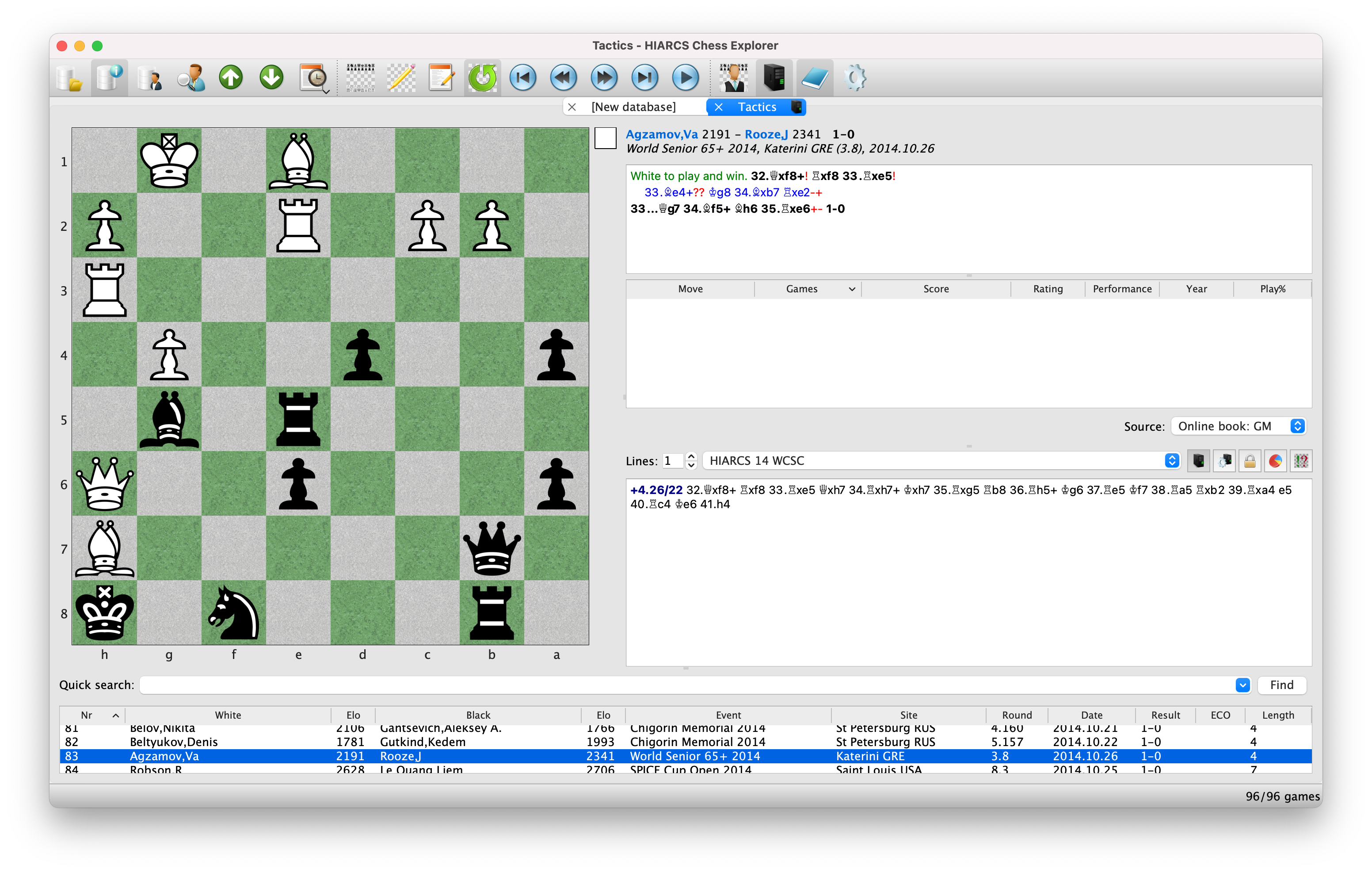
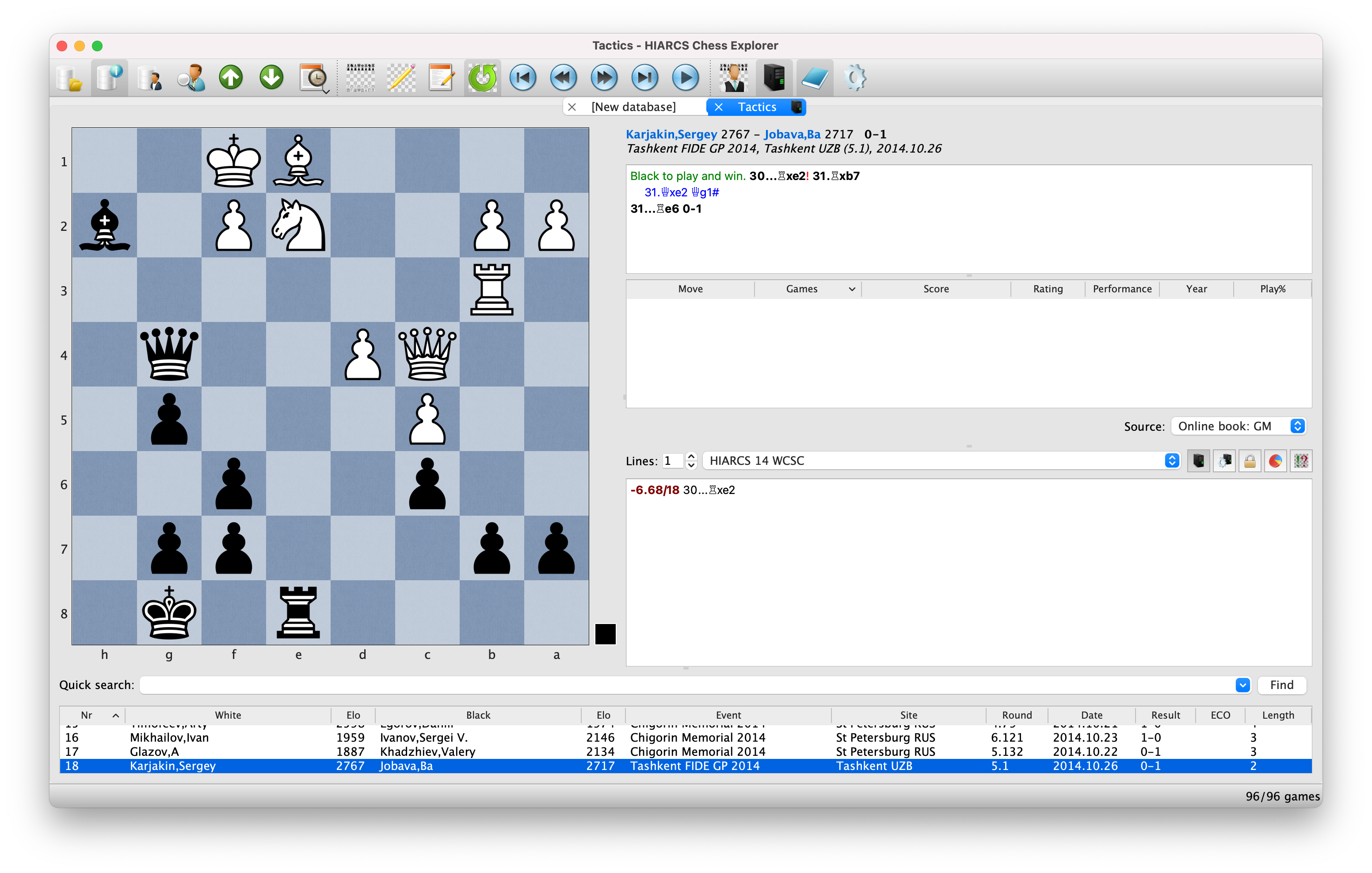
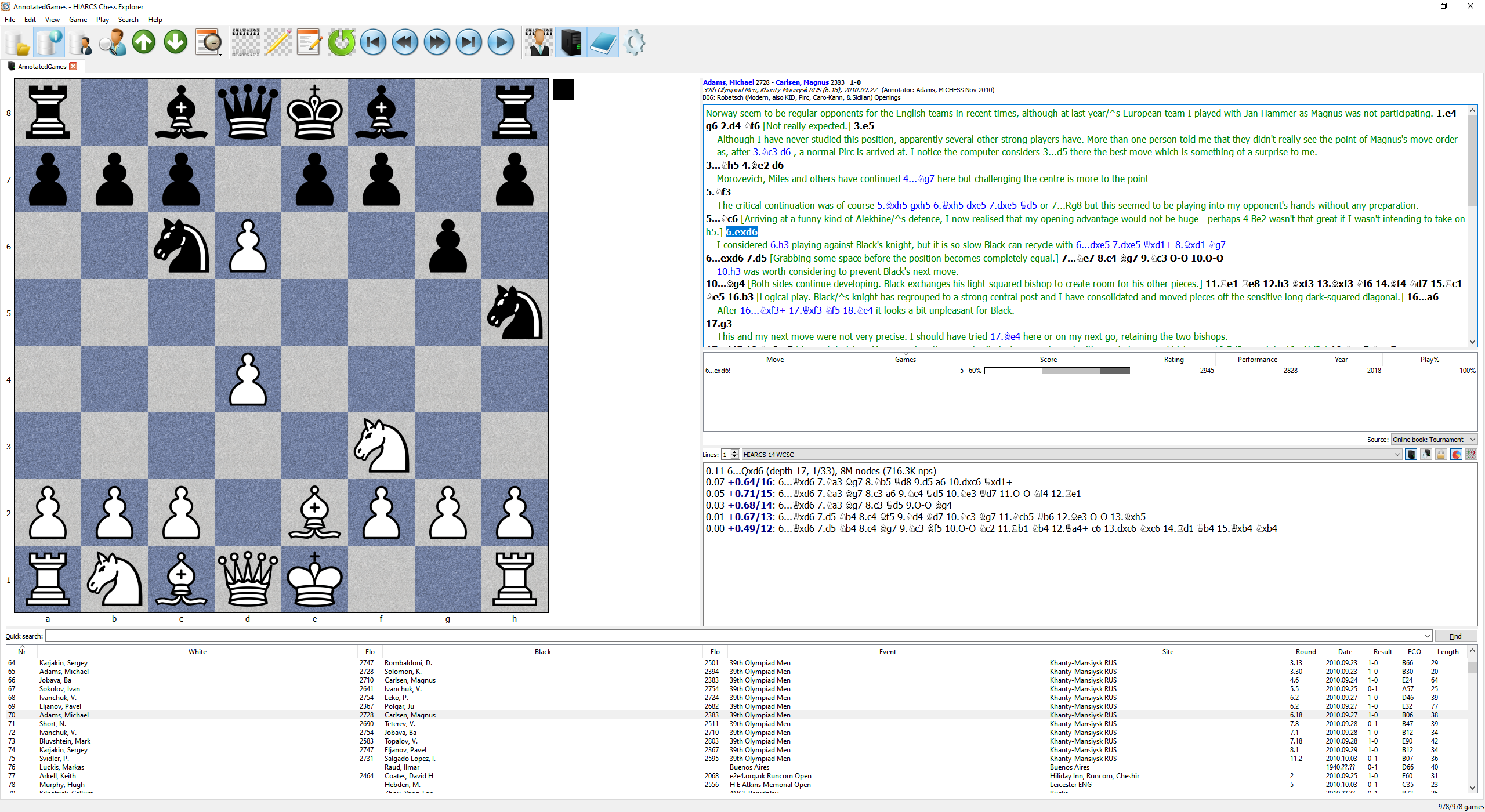
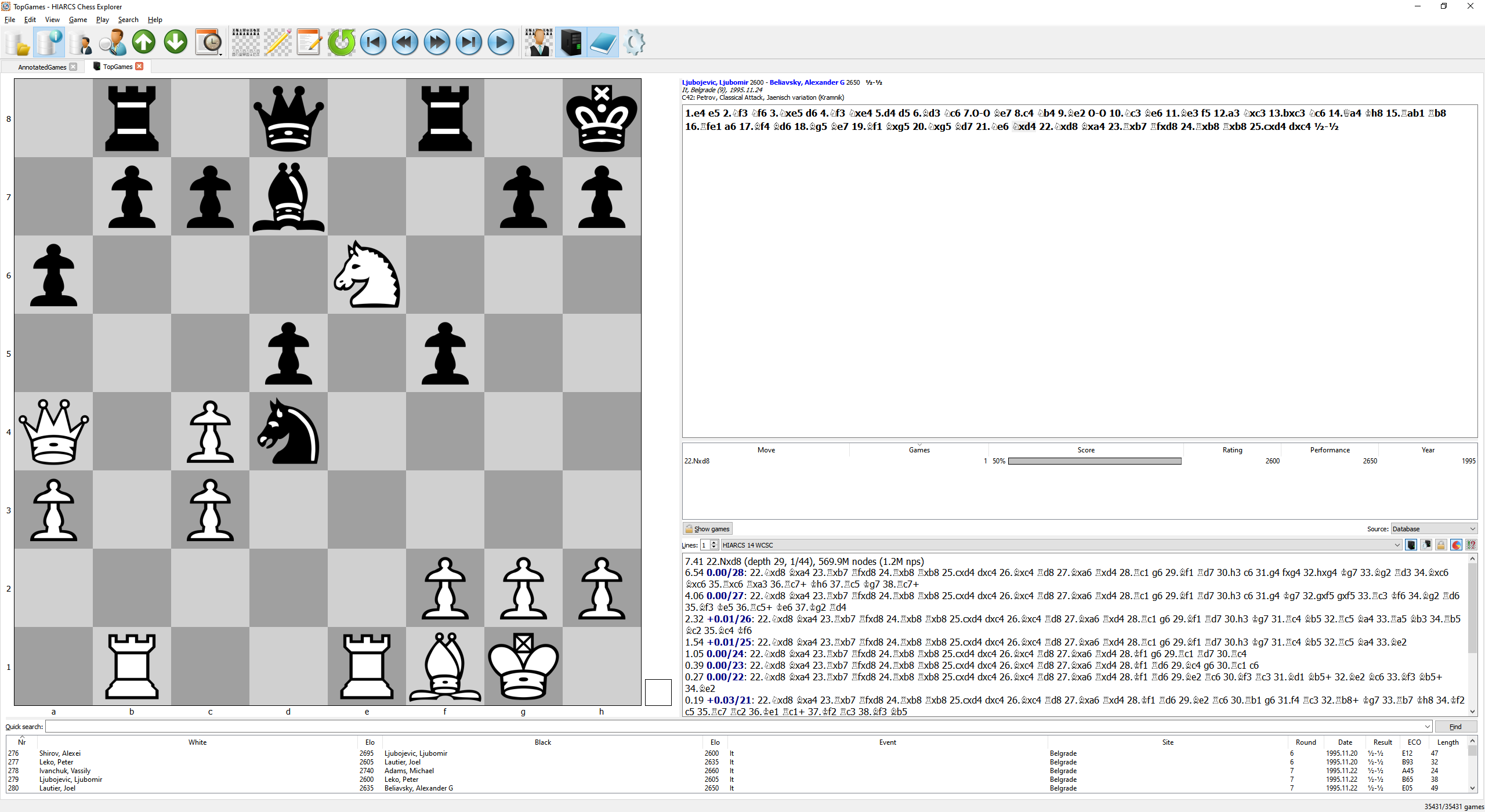
HIARCS Chess Explorer is a superb new chess program for PC and Mac Chess Players which can run on both PC Windows and Apple Macintosh OS X computers. It offers an innovative and intuitive new graphical user interface together with the current World Chess Software Champion HIARCS chess engine. This unique combination is refreshingly easy to use and includes many new features for chess preparation, analysis and training for players of all abilities from beginner to Grandmaster. It has specialised features to help weaker chess players improve their chess including special weakened opponents, a chess coach which can demonstrate mistakes, show improvements and help you improve your chess.
For chess experts HIARCS Chess Explorer has many advanced features not seen in other chess software. The new features can help you analyse your chess games, improve your openings and prepare for your opponents.
Here is a brief outline of some of the key features of our exciting new chess product:
Modular plug-in design: the HIARCS 14 chess engine supports the Universal Chess Interface (UCI) which means it can be used in any UCI compatible chess Graphical User Interface (GUI). Equally the new Chess Explorer GUI can use any chess engine which supports the UCI protocol.
HIARCS 14 World Chess Software Champion chess engine is packaged with Chess Explorer to provide incredibly strong analysis, advice and play with a unique and entertaining attacking playing style. HIARCS won the World Chess Software Championship in Tilburg, The Netherlands in late 2011.
Comprehensive PGN database capabilities including simultaneous handling of multiple databases, searching and filtering by game header, game sorting, openings and positions etc, ECO and opening name classification, game lists and much more.
New ways of viewing game databases providing genuinely useful information to club player and professional chess players alike.
New ways to navigate chess games using positions, players, openings and statistics including outcomes.
Chess Player Information giving games, openings, statistics and information about chess players including many of the World's strongest chess players.
Extensive game notation support with embedded variations, text comments, annotations, chess move symbols, evaluation symbols, assessment symbols and chess opening naming.
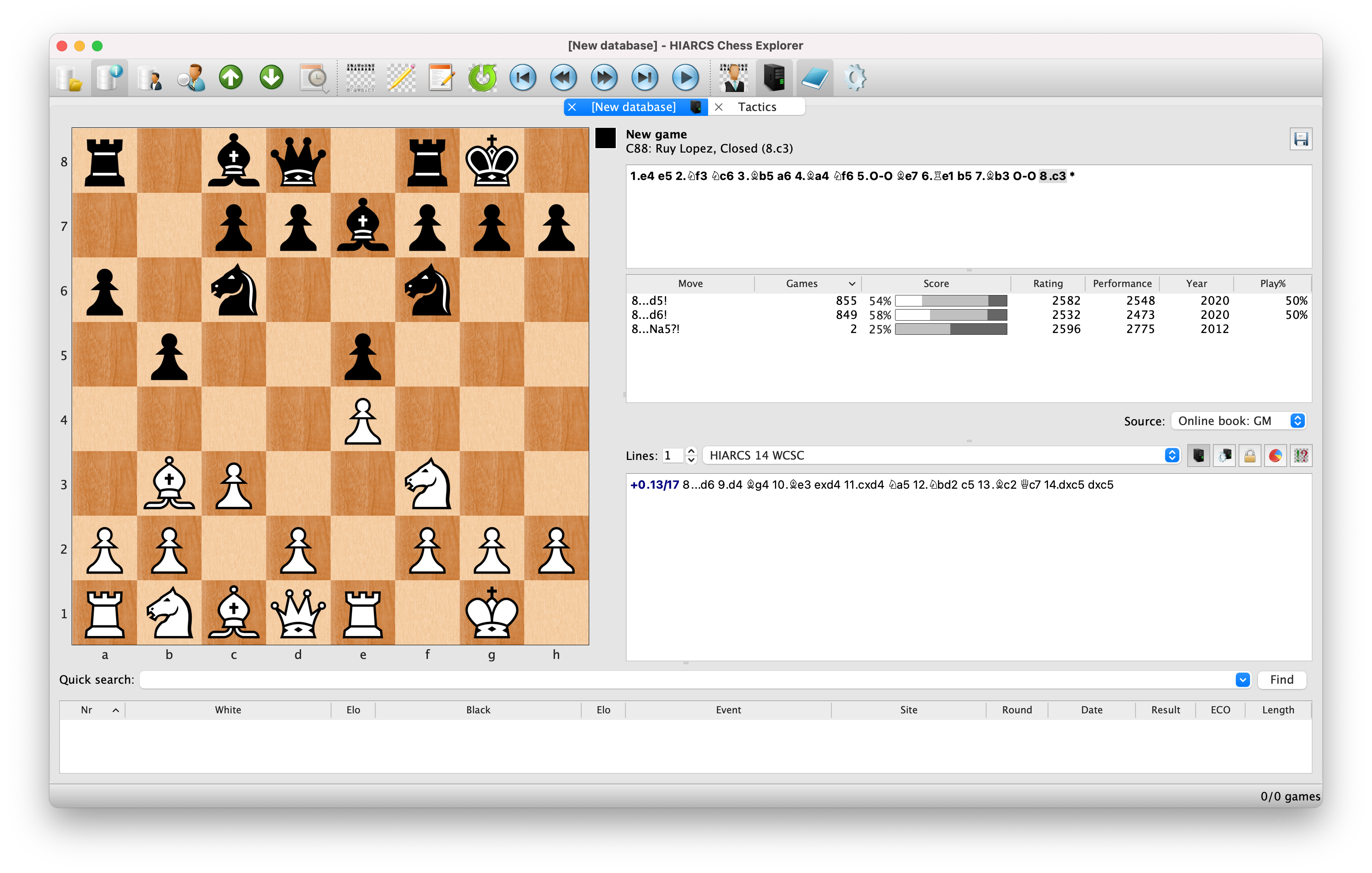
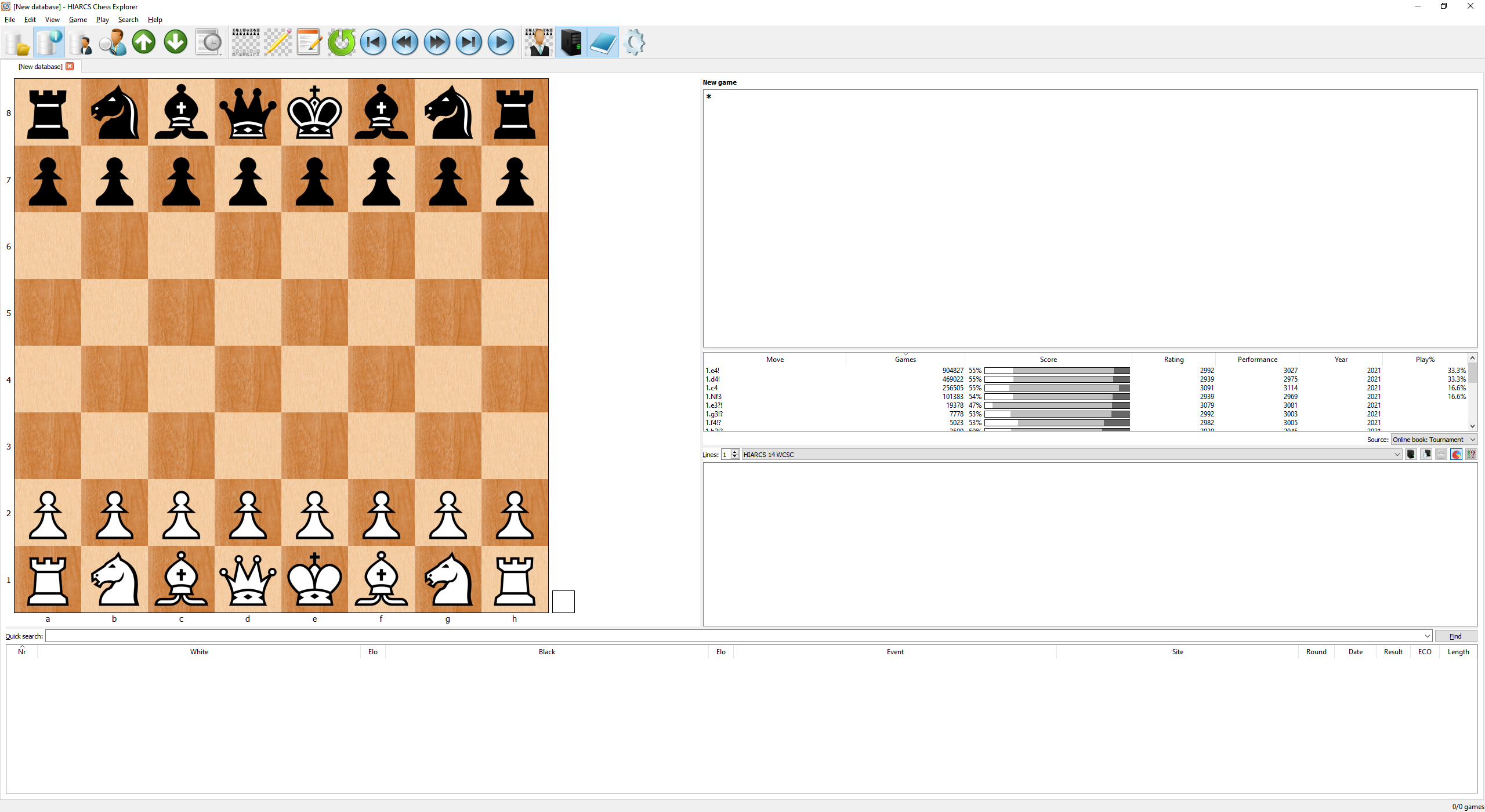
Innovative Openings Explorer gives new insight into chess openings from different perspectives including access to the world's strongest opening book. With special features for HIARCS Chess opening book subscribers.
Advanced Analysis features allow game analysis with multiple engines showing multiple lines of play. Post game analysis with variation commentary and annotation allows you to check your own games or any you select for blunders and improvements.
Custom game play mode for playing against the World Champion HIARCS chess engine with realistic human-like set Elo strength settings suitable for players from beginner to Grandmaster. The custom game play mode has an integrated coach to demonstrate mistakes and highlight good moves and give hints. You can even monitor your chess progression as HIARCS Chess Explorer rates to chess play and helps you improve by adapting to your chess play to keep challenging you.
Multi-platform and multi-lingual Chess Explorer runs on both PC Windows (XP or later) and Apple Mac (OS X 10.7 or later) with multiple languages supported: English, French, German, Italian, Polish and Spanish.
New HIARCS Chess Server integrated with the new Chess Explorer GUI provide innovative new features for chess players.
Game databases included with the latest top quality GM chess games at time of publication.
Annotated database included with high quality annotations, commentary and variations from International Masters and Grandmasters.
"In summary, this is an excellent chess system that is suitable for players of all strengths. It has a lot of features, comes with a super-strong engine, and it is very easy to use. Highly recommended" - Joe Petrolito, Independent review, Australasian Chess.
Existing HIARCS customers have been emailed with news and discounts for Chess Explorer. If you are not an existing HIARCS customer and want to know more about Chess Explorer please sign up to the HIARCS E-Mailing list so you can be informed.
HIARCS Chess Explorer is designed and developed by Michal Rudolf and Mark Uniacke.
HIARCS chess engines are designed and developed by Mark Uniacke.
Chess piece set images by Eric de Mund and Bruno Rizzuti based on fonts by Eric Bentzen and Armando Marroquin.
User Manual written by Mark Uniacke.
Language translations: English by Mark Uniacke, French by Alain Zanchetta, German by Christian Goralski, Italian by Bruno Rizzuti, Polish by Michal Rudolf, Portuguese by Claudio Zamana, Russian by Beglar Jobava and Spanish by Amador Cuesta.
Many games and annotations provided by www.chess.co.uk.
Beta testing and feedback by Ole Christensen, Chris Cook, Richard Fowell, Eric Hallsworth, Jonathan Naud, Matt Read, Bruno Rizzuti and Harvey Williamson and a number of other testers who prefer to remain private.
Move sounds by Ole Christensen.
Thank you to all those people (including those who prefer to remain private) who helped make HIARCS Chess Explorer a better product.
We also thank Eugene Nalimov and Andrew Kadatch for their kind permission to use their access code (copyright (c) Eugene Nalimov) and decompression code (copyright (c) Andrew Kadatch) for Nalimov tablebases in HIARCS chess engines.
THANK YOU!
"generally I use
HIARCS." - Five time World Chess Champion
Vishy Anand, in a recent interview when asked what chess program he uses to
analyse with
|